
Lac Qui Parle County Court Calendars Explained
The Lac Qui Parle County court page posts a weekly public court calendar. It covers scheduled courtroom hearings only. Confidential matters stay off it. So do hearings that are not remotely accessible under Rule 8(2). Treat the calendar as a snapshot of what is set. It is not a full log of court activity.
Local guidance says the online calendar goes up at approximately 7:00 a.m. each business day. It gets refreshed hourly. Judges, case listings, and courtroom assignments can all shift. Printed calendars sit outside the courtrooms and in the public lobbies. They are flagged as the most current versions. When a setting seems unclear, the Court Administrator is the right local contact.
Lac Qui Parle Weekly Calendar Limits
The weekly calendar answers one narrow question: which hearing is set in a courtroom near a given date. It cannot tell you whether a case has filings you have not seen, whether a hearing will actually go forward, or whether a restricted case exists. A missing listing might mean an exclusion. It might mean a late change. Never read it as a cancellation notice. For how remote hearings work, the Minnesota Judicial Branch remote-hearings guidance explains the court's approach.
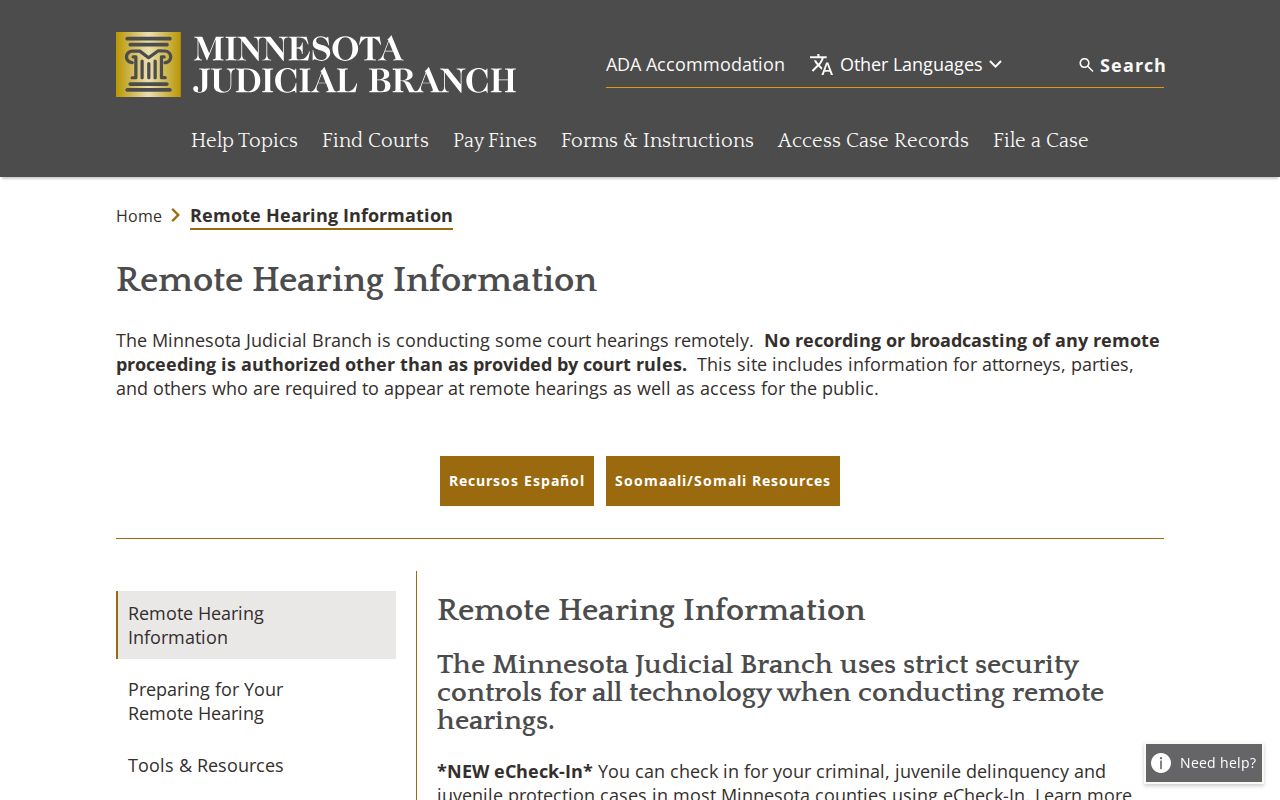
Remote access is just a way to appear or watch when the court allows it. It says nothing about the result of a Lac Qui Parle case.
Finding Your Court Date
Check every channel before you rely on a court date. MCRO Hearing Search finds hearings by person, case, judicial officer, attorney, or date range. The local calendar lists scheduled courtroom events. Your hearing notice states the appearance method you must follow. Lac Qui Parle County District Court Court Administration answers local questions. Staff help by phone or at the counter.
- Write down the case number, date shown, hearing type, judge, and the time the information was viewed.
- Check the hearing notice first for the appearance instructions.
- Search MCRO Hearing Search or Case Details for the hearing entry.
- Compare the current local weekly calendar with the case record.
- Call Court Administration at (320) 295-4000 or check the courthouse calendar if the sources conflict.
The courthouse sits at 600 Sixth Street, Madison, MN 56256. Court Administration keeps regular hours of 8:00 a.m. to 4:30 p.m. Confirm any holiday or special schedule before you go.
Lac Qui Parle Hearing Search
MCRO Hearing Search is the statewide tool. Use it when you want to know what is set. It can beat scrolling through every event on a case. Still, it remains a public-search result. Cross-check the hearing notice and local calendar, since each can change on its own timetable. A remote hearing link or telephone instruction comes only from the court's notice. Never guess based on case type.
The official hearing-search view shows this schedule-oriented tool as its own separate service.
Take the result, identify the case and setting, then confirm current appearance details through the court notice.
How to Read a Court Setting
A setting is a scheduled court event, not a decision. The description on the notice or calendar controls what type it is. Terms like remote, appearance, calendar call, or room carry practical details. None of them reveals an outcome. As the date nears, the court can change things. The room, the judicial officer, or the method may all shift.
| Date and time | The scheduled start shown on the current notice, calendar, or hearing record. |
|---|---|
| Courtroom or room | The location field, which can be reassigned. |
| Judicial officer | The judge or referee associated with the setting; it can change. |
| Setting type | The proceeding label, such as hearing, appearance, or calendar call. |
| Appearance method | In person, Zoom, telephone, or another court-provided method. |
Lac Qui Parle Notice or Calendar
The ROA logs procedural events in a case. The weekly calendar logs scheduled courtroom hearings. The notice gives a party the most specific directions. A filing can sit on the ROA with no calendar listing, and a calendar item can move after you saved the PDF. When these views disagree, the notice and Court Administration are the sensible next checks.
Note: A current paper calendar at the courthouse may beat an older online copy, especially after an assignment change.
Continuances, Resets, and Cancellations
A continuance or a reset simply moves a hearing to a new date. The case is not dismissed. A matter can also be pulled from the public calendar. It can be handed to a different judge. The setting you first saw may no longer hold. Before you drive to the Lac Qui Parle County courthouse, read the most recent hearing and event entries in the Register of Actions and look for an updated notice. An old image of the docket or a date copied from a third-party site is not a reliable reason to travel.
Why would a court file exist while the hearing never shows on a remote calendar? The Minnesota public-access rules offer one answer. A restriction tied to the case type, the service status, or the access layer can keep a matter off the online docket even though the setting itself is still live.
Lac Qui Parle Hearing eReminders
Hearing eReminders are optional notices for enrolled parties. The Judicial Branch says a typical reminder arrives three days and one day before a hearing, with different timing for eviction and adoption matters. An eReminder is not official notice. A missing message will not excuse a missed appearance. The official eReminder information describes what the service is built to do.
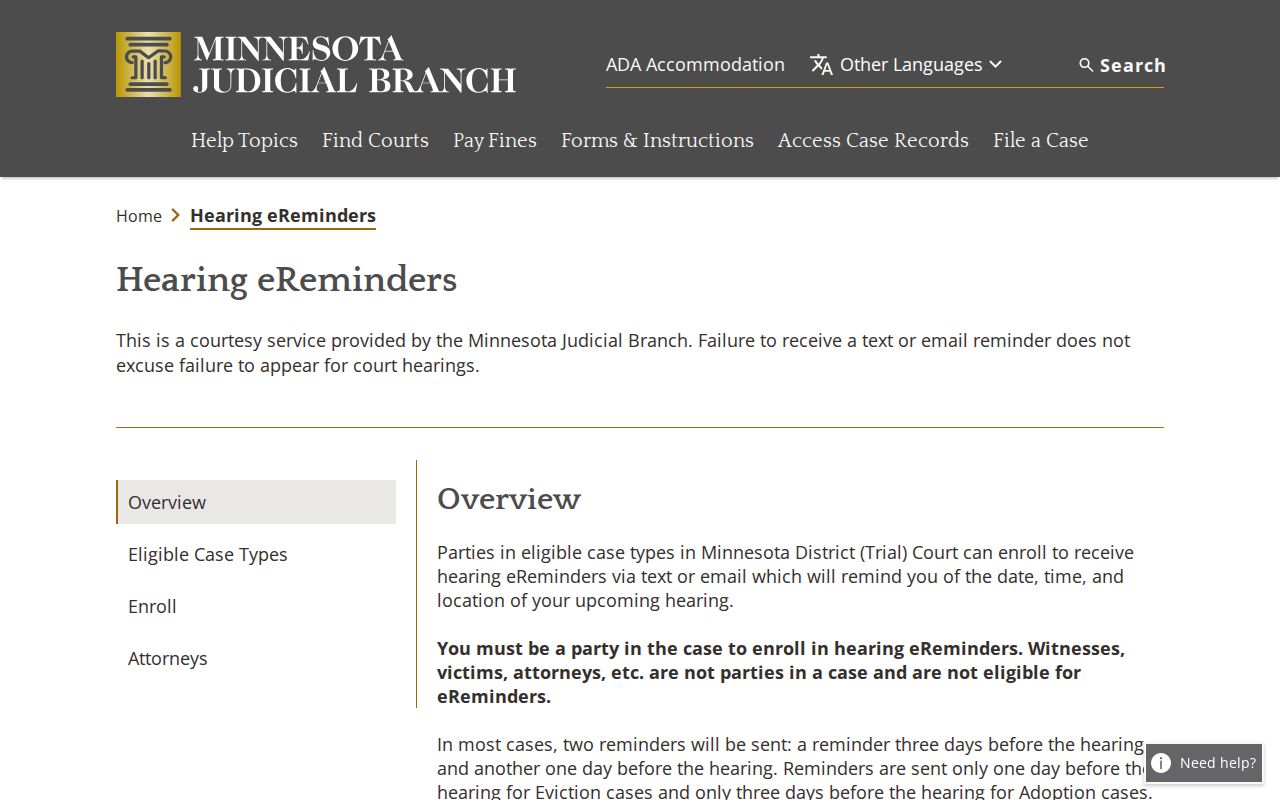
For a Lac Qui Parle hearing, the court notice and the current setting stay in control.
If You Miss a Court Setting
Missed a Lac Qui Parle court date? Act fast. Pull the case number first, plus the hearing type, the judge, and the date itself. Note where that date came from. Then check the latest ROA and notice before calling Court Administration, since those documents show where the case truly stands. The court, not the calendar, decides what happens next in any Lac Qui Parle case.
Do not infer a cancellation. An absent public-calendar entry can reflect restricted access or a change. Call Lac Qui Parle County District Court Court Administration at (320) 295-4000 for the correct local process.
Lac Qui Parle Remote Hearing Access
Some Lac Qui Parle hearings happen by Zoom. Others happen by phone. A few still require you to appear in person. Your hearing notice tells you which method applies and passes along any equipment instructions. If you lack a device, Minnesota Judicial Branch guidance notes that courts may have computers or tablets available. Joining a remote hearing as a member of the public does not give you permission to record or rebroadcast it.
Language help is built into the statewide hearing framework. Ask for an interpreter or any other accommodation through the court's process well before the hearing date rather than waiting on the public calendar. The local Court Administrator can point you to the right court contact for a pending Lac Qui Parle case.
None of this changes a core rule. A hearing date on a docket is only a setting until the court acts on it. The ROA records the procedural history. The calendar shows scheduled courtroom work. The notice carries the instructions for your particular appearance.
Lac Qui Parle Date Check Details
Gather five details before you call. Have the case number, the date shown, the hearing type, the judicial officer if listed, and the time you viewed the source. With those facts, Court Administration can compare the current calendar and ROA against the same Lac Qui Parle file. This also cuts the risk of mixing up two people who share a similar name.
Suppose the case is not posted publicly. Ask the court about the next lawful access step. Do not assume the hearing was canceled. Some confidential matters and hearings that are not remotely accessible stay off the public docket by design.
Keep your original notice handy for that call. The case number and exact setting information matter. They let the local office pull the right Lac Qui Parle file without guessing.