
How to Search Cases by Name
Start at MCRO Case Search. Accept the terms. Choose Person or Business, then select Lac Qui Parle County as a local filter when a statewide search needs narrowing. Date filed and other displayed filters are worth using only when they genuinely separate matching records. Keep personal identifiers from a result off the internet.
A name alone casts a wide net. Before opening Case Details, compare the listed party, category, filing date, and case number against a court notice. Case Details then leads to the ROA, which lays out the procedural sequence rather than a single result row.
- Start with the exact name spelling from a court notice when it is available.
- Select Person or Business in MCRO and choose Lac Qui Parle as the location.
- Use a date or category filter only to distinguish matching public results.
- Open Case Details and review the case number, parties, type, and ROA.
- Contact Court Administration for an older public file or an official copy.
The official Case Search is the basic statewide entry point.
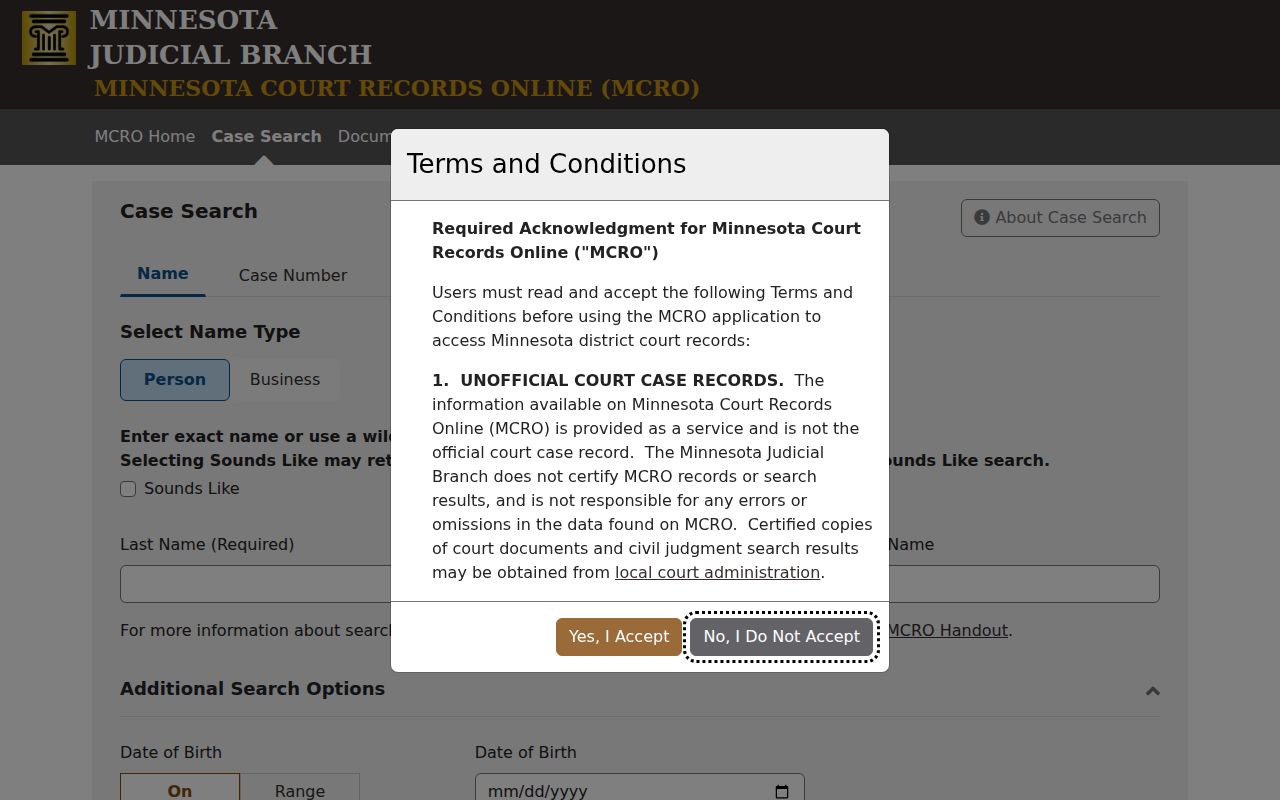
A broad Minnesota case lookup gets sharper once you set the county filter. That single step narrows results to the Lac Qui Parle court record you actually want.
Lac Qui Parle MCRO Tools
MCRO offers four distinct public tools. Case Search finds a case shell and its ROA. Document Search takes a case number and finds eligible public documents. Hearing Search covers scheduled matters. Judgment Search covers docketed monetary judgments and satisfaction information. Each tool answers a different question, so a missing document link is not proof that the underlying case was never filed.
| Tool | Best use | Important limit |
|---|---|---|
| Case Search | Find a public case by person, business, attorney, number, or citation. | A result is unofficial and access-limited. |
| Document Search | Find an eligible public document by case number. | Not every event has a remote document. |
| Hearing Search | Find a scheduled hearing. | Check the notice and current calendar. |
| Judgment Search | Find docketed monetary judgments and satisfactions. | It is not a full case history. |
How to Search by Case Number
A full case number is the most precise MCRO route. Minnesota case numbers combine a county component, case-type letters, a filing year, and a sequence. One official Lac qui Parle historical filing shows 37-CV-18-5, where 37 is the county component. That example does not mean every local case shares the same type or sequence. The code alone supplies no result.
Enter the complete identifier from a notice, ROA, or other official court document. For traffic matters, enter the citation number from the statewide citation. Do this once the filing has posted. A citation or case number can locate a record even when a name search comes up empty. A pending no-conviction criminal, traffic, or petty case may stay absent from a name search.
Lac Qui Parle Search Methods
MCRO supports Person, Business, Attorney, Case Number, and Citation Number search paths. Sounds Like and trailing-wildcard techniques broaden a name search. The Quick Reference Guide tells users to apply one broadening method at a time. Begin narrow, then verify the ROA and county. Do not stack methods until the result set turns unreliable.
Too many Lac Qui Parle results? Apply the county filter, then date filed, case category, or status where appropriate. An empty result calls for a spelling check and the number from a notice. It also calls for a look at whether a pending traffic or criminal matter falls under the name-visibility limit. Even a broader result deserves caution. Check the actual party role and record details before you treat it as the right file.
- Sounds Like
- A name-search method for similar-sounding entries.
- Trailing wildcard
- A search method that broadens the end of a name or term; it should not be combined with Sounds Like.
- Case category
- A filter such as civil, criminal, family, probate, or mental health, not an outcome.
- Inactive
- An administrative status that can still contain historical proceedings or a judgment.
What a Case Search Shows
Once a Lac Qui Parle result is open, Case Details can show case information, parties, attorneys, assignments, events, hearings, dispositions, financial information, judgments, and eligible document links. What appears varies by case type and access rule. Remember that the ROA is a chronological procedural record, not automatically the complete court file.
| Case information | Number, title, category, filing date, venue, judicial officer, and status. |
|---|---|
| Parties and attorneys | Displayed roles connected to the court file. |
| Case events | Procedural entries generally listed with the most recent first. |
| Hearings | Scheduled or held proceedings, not a final outcome. |
| Disposition | Recorded outcome information that must be read in context. |
| Document links | Eligible public material only; a missing link does not prove no filing exists. |
Lac Qui Parle Case Details
Before leaving a Case Details result, write down the exact case number, type, filing date, judicial officer, events, current hearing, and disposition field if one is shown. Those details let Court Administration locate the file. They also let you tell one similar result from another. A warrant flag, charge category, or open status deserves care. Read it in its detailed section rather than treating it as a broad conclusion.
The MCRO public-access overview explains the courthouse-terminal layer of access.
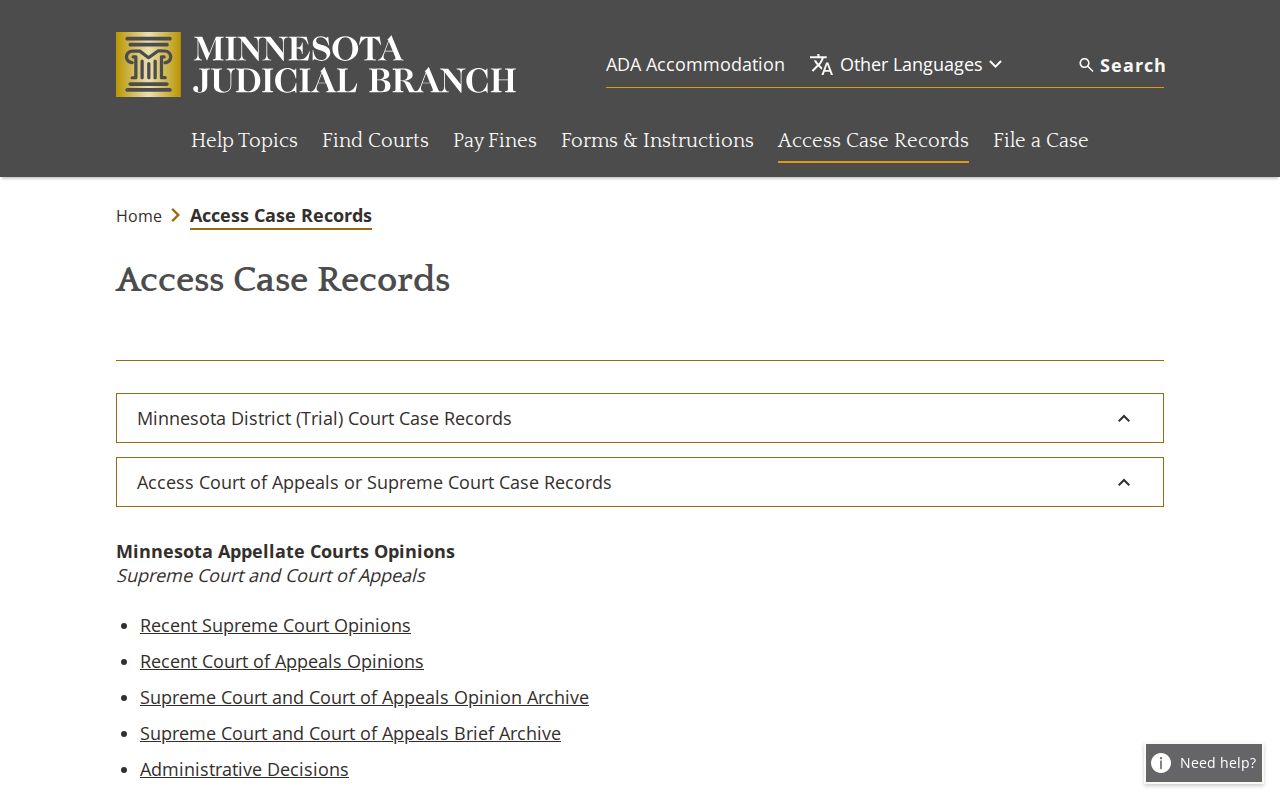
A courthouse public-access terminal or Court Administrator may show lawful material that an ordinary remote result leaves out. Check both when the online docket seems thin.
County vs Statewide Case Search
MCRO is statewide. The Lac Qui Parle county filter narrows a search to the local District Court. The public web is often the first channel, but it is not the only one. Court Administration gives local help. The courthouse public-access terminal matters where remote display is limited. And a copy request is required when an official document format is needed.
| Channel | What it helps locate | When to use it |
|---|---|---|
| MCRO web | Public case, hearing, document, or judgment information. | Start a normal statewide or Lac Qui Parle lookup. |
| Courthouse terminal | Lawfully available court records beyond remote access. | When web access is limited. |
| Court Administration | Local access questions, inspection, and copies. | For an older, restricted, or official record request. |
Lac Qui Parle Hearing Searches
For schedules rather than filings, turn to the MCRO Hearing Search. You can look up a setting by person, case, judicial officer, attorney, or date. Cross-check whatever you find against the hearing notice. The local court also posts a weekly public calendar and refreshes it as schedules shift.
A hearing result helps you spot a Lac Qui Parle court date. It is not official notice. The weekly calendar goes up about 7:00 a.m. each business day. It is updated hourly. Printed courthouse calendars are marked as the most current. When a Lac Qui Parle setting truly matters, read the notice. Ask Court Administration about any conflict instead of trusting an older search result.
The official Hearing Search page lays out the focused schedule route for court dates and hearings.
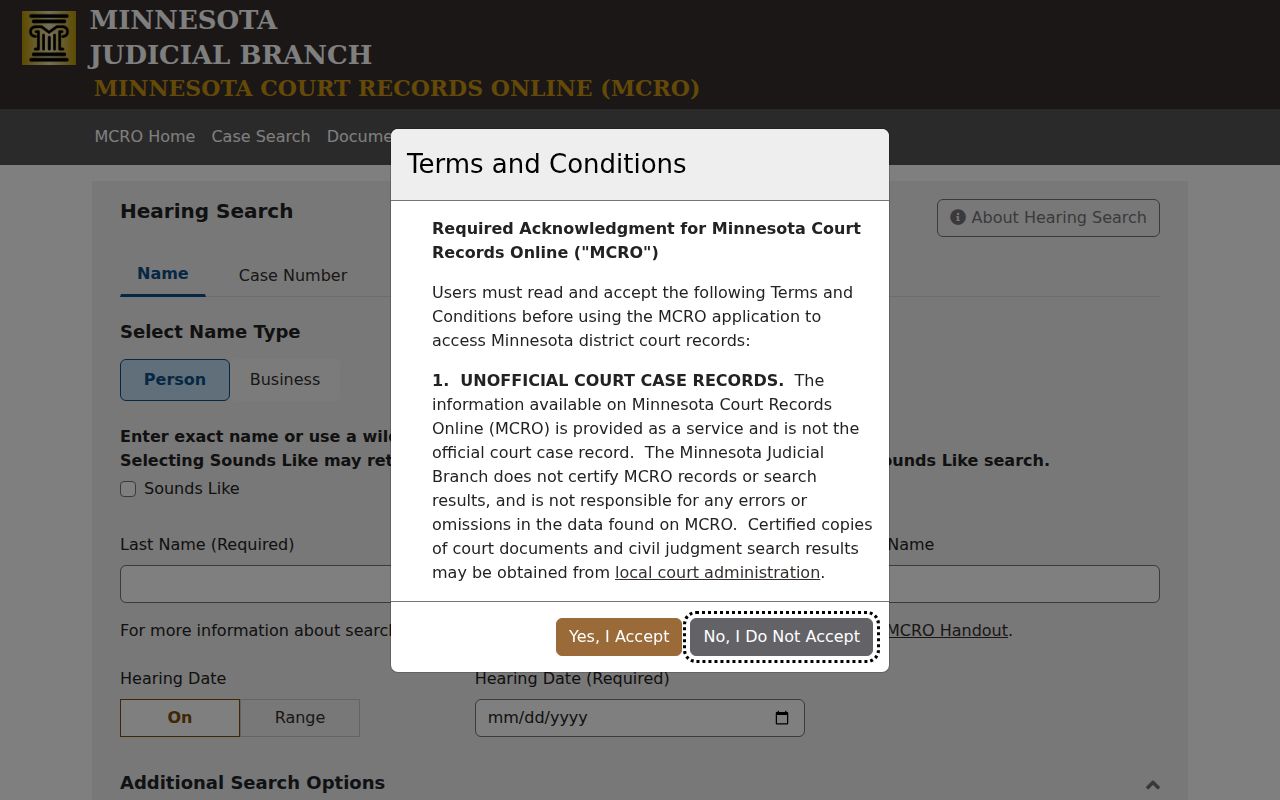
A hearing result names the setting. It never replaces the directions in a Lac Qui Parle court notice, so follow the notice when they differ.
Restricted Cases and Access Rules
Access to court records in Minnesota runs through the Rules of Public Access to Records of the Judicial Branch. Juvenile, sealed, confidential, domestic-abuse, harassment, civil-commitment, and other protected files face limits. Pending criminal, traffic, and petty-misdemeanor cases with no conviction can too. They may be held out of defendant-name results. A missing remote result never proves a case does not exist.
Rule 4 sets the basic public-access framework. Rule 8 covers inspection, copying, remote access, registers, and how fees are treated. MCRO also leaves out certain street addresses and comment fields as a protection. If a Lac Qui Parle County District Court record seems limited, ask Court Administration which rule or order applies. Do not run repeated name searches or assume the file is sealed.
The MCRO overview spells out those limits and notes the service is an unofficial source.
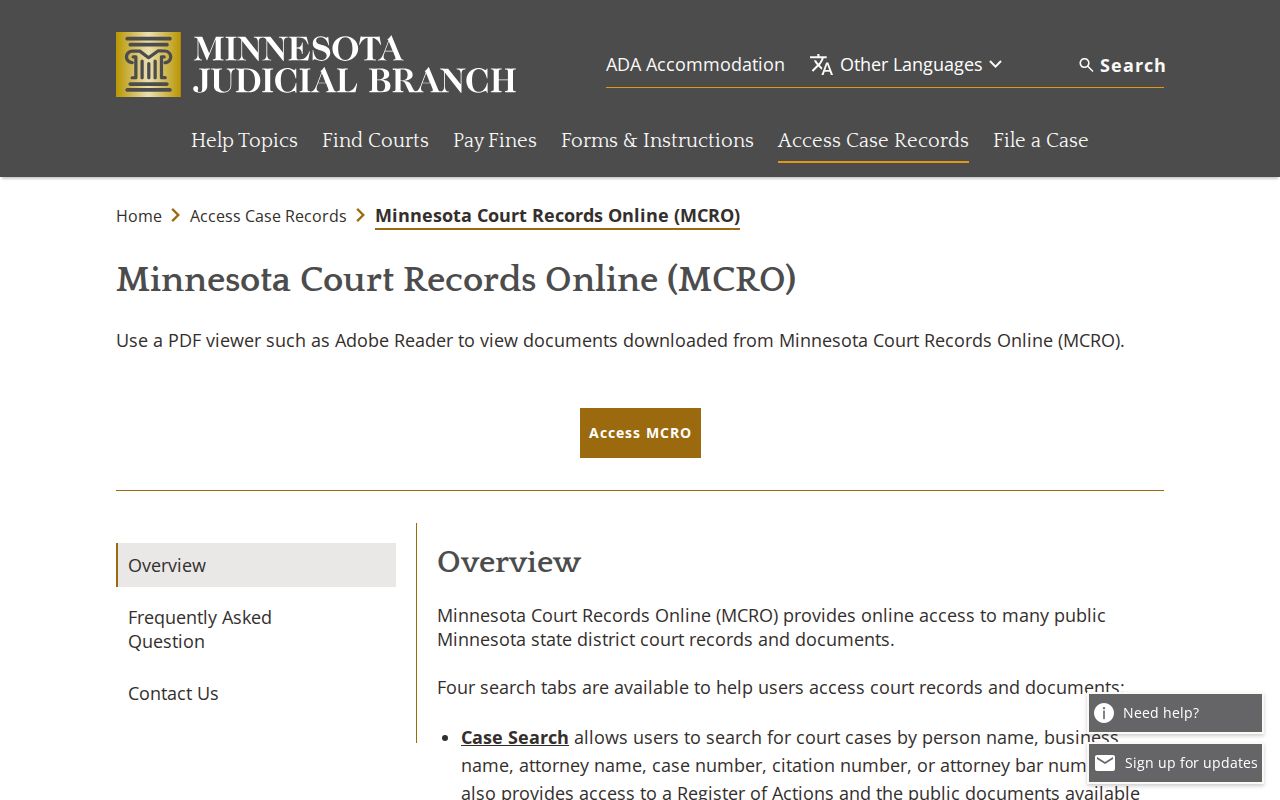
Need something official? Request a plain, certified, or exemplified copy from Lac Qui Parle County District Court Court Administration.
Lac Qui Parle Official Case Copies
A docket result can point you to a file. It certifies nothing about the contents. When a public document or record must be official, give Court Administration the case number, the document or event date, and the format you want: plain, certified, or exemplified. The court can then explain whether the record is public, available at the courthouse, or restricted.
The same handoff fits a case lookup. Use it when the public display lacks the specific document you need. That keeps the request tied to the court's own access process rather than to an incomplete online result.